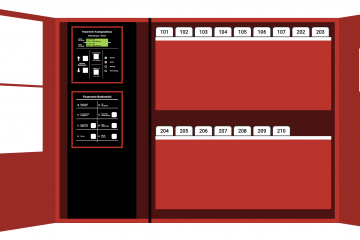
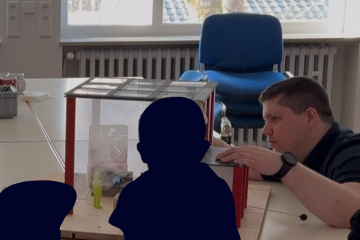
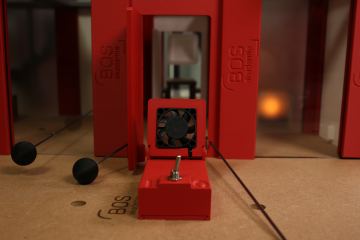
Anyone who wants to train emergency personnel in the use of fire alarm systems (BMA) is familiar with the problem: it is usually not possible to use an installed BMA for training purposes. Legal requirements, liability issues, and ongoing operations make it virtually impossible to use real systems for training. Physical training facilities, on the other hand, are expensive, permanently installed, and often have limited usability.
This is exactly where our BMA Trainer app comes in: a digital training tool that allows you to completely replicate realistic BMA processes without having to use a real system.
Reale Digitally recreating buildings – realistic practice without real equipment
With our BMA-Trainer App building floor plans can be easily recreated digitally. This could be your own equipment shed, a training facility, a demolition site, or any other real building you want to use for training purposes. Various types of detectors, the fire department information center (FIZ), the fire department key depot (FSD), the fire alarm control panel (BMZ), and other elements that also play a role in operations can then be placed in these digital floor plans. In addition, alarm areas can be defined and named.
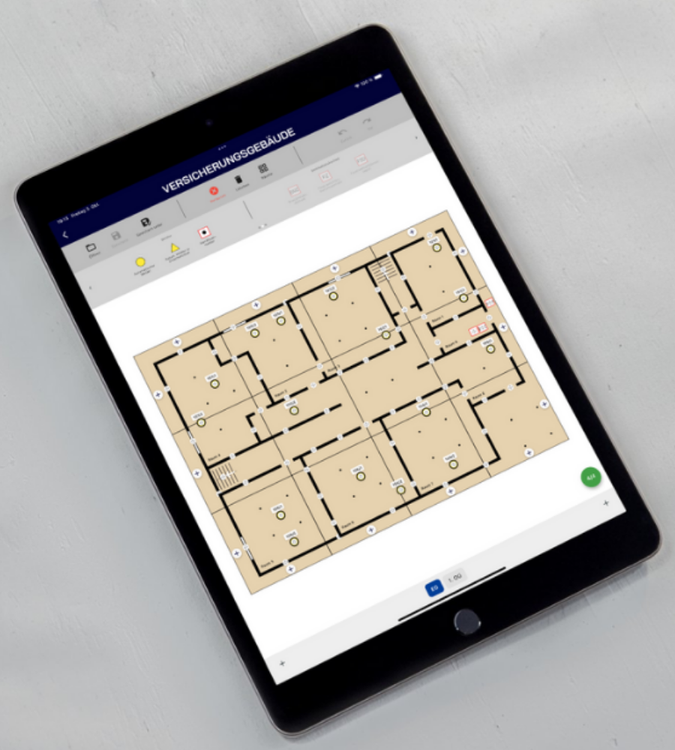
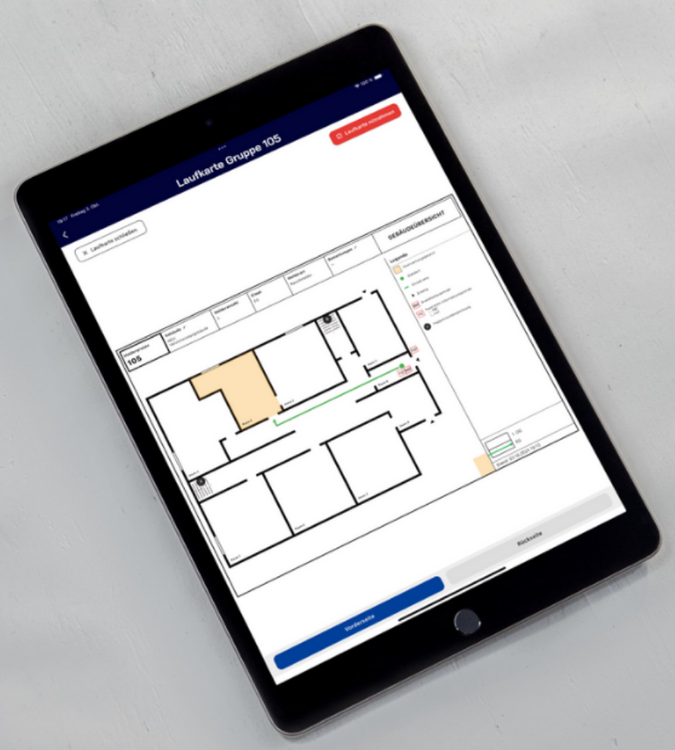
Automatically generated route maps – including individual adjustments
Based on the floor plan that has been created and saved, the app automatically generates suitable route maps.
These can then be further customized, e.g.:
- individual routing
- Notes for the team
This allows the digital exercise route maps to be designed as realistically as is appropriate for the actual deployment location.
Play through training exercises in their entirety – from FSD to FIZ
For an exercise, you need at least two end devices:
• one for the exercise leader
• one (or more) for the participants
The exercise leader selects a floor plan—either one they have created themselves or an existing template—and is taken to the building overview. There, they can trigger alarms, either individually or several at once. The fire extinguishing system can also be activated.
As soon as an alarm is triggered, participants go through the entire process as they would in a real emergency:
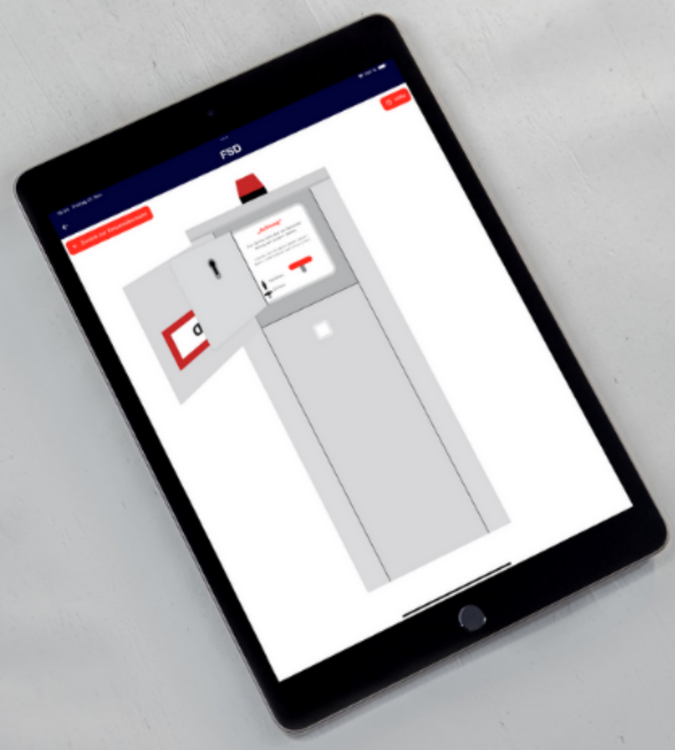
- Opening the FSD and removing the master key
- Access to the property
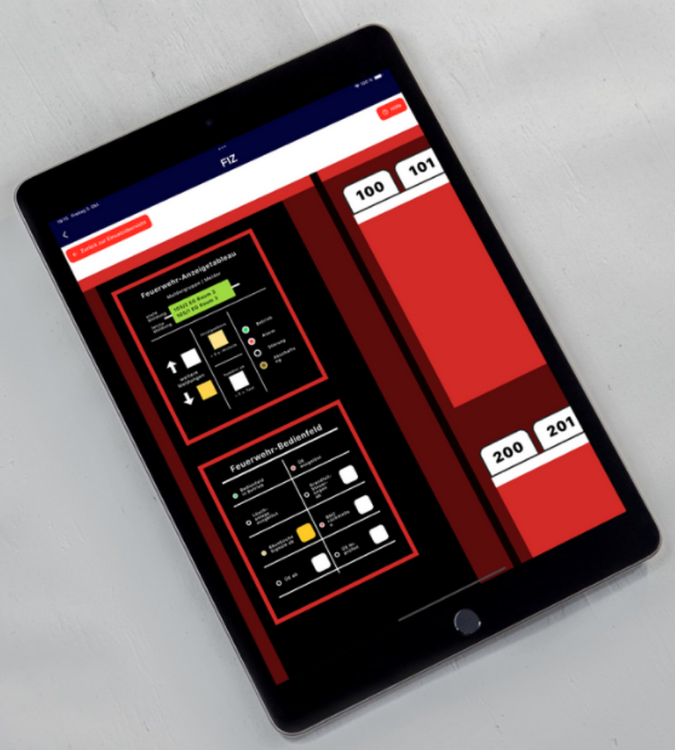
- Reading information from the FAT
- Working at FIZ
- Localization of the triggered detector using the route cards
- Proper provisioning of the Fire alarm system
- Closing the FIZ and the building
- Returning the master key
- Locking the FSD
Meanwhile, additional detectors can be triggered at any time—just like in a real fire alarm system deployment, where the situation can change dynamically.
A practical approach to training for fire department operations
The big advantage of the BMA Trainer app is that you can digitally replicate a real object and practice there as often as you like without affecting the installed fire alarm system or disturbing the object. Even rare or complex scenarios can be simulated realistically.
This is a modern way to train operational procedures in a structured manner, especially for fire departments that respond to fire alarm system incidents on an irregular basis. The team learns how alarm groups are structured, how to move around the building, what to look out for, and how to reset the fire alarm system correctly.
Conclusion: Effective BMA training without a real system
The BMA Trainer app provides a modern, digital way to practice the sequence of events involved in using a fire alarm system in a realistic manner—from triggering the alarm to correctly resetting the fire alarm control panel. Whether it's a fire station, training facility, or demolition site, buildings can be easily recreated digitally and used directly for training purposes.
The app offers a flexible and practical solution for training all emergency services personnel, especially in places where real facilities are not available for exercises or physical training facilities are too expensive.